· The Dokun team
A bakery stamp card setup that keeps morning customers coming back
A bakery's busiest hour is the morning; the hard part is getting that morning customer back tomorrow. A bakery loyalty card gives them a concrete reason to return and shows you who comes in how often.
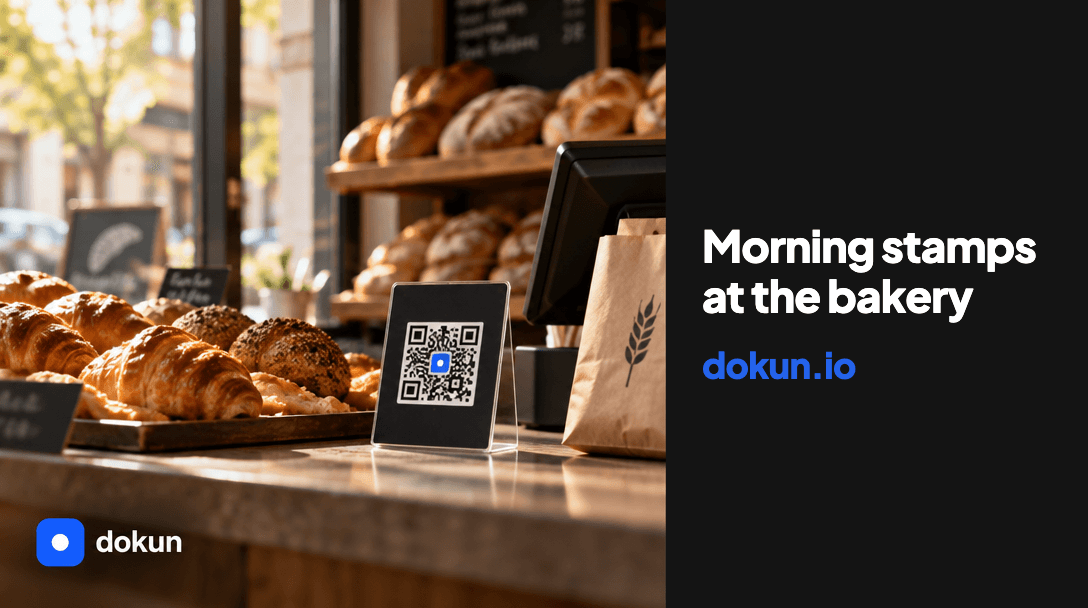
A bakery's busiest hour is the morning; the hard part is getting that morning customer to come back tomorrow too. A bakery loyalty card does two jobs here: it gives customers a concrete reason to return, and it shows you who comes in and how often.
In this post I cover a stamp setup that works in the morning rush, how to set the target and a setup that doesn't slow down the till.
Why the morning rush is different
Morning customers are in a hurry: they're on their way to work, standing in a queue, juggling bags. So in the morning flow, stamping has to take a few seconds. If the person at the till has to fiddle with a notebook or a phone, the programme gets shelved in the first week.
The digital version is quick: the customer scans the QR code on the table or at the till once with their phone camera and the card is added to Apple Wallet; on later visits your staff add the stamp from their own screen. There's no app download, so the queue doesn't get longer.
How to set up your stamp card
Set the target based on what the reward costs you. There are three decisions:
- Which product is the reward (a coffee, a bagel, a pastry or a slice of cake)
- How many stamps it takes
- Whether a second purchase on the same day earns a stamp
For example, if the reward is a coffee, a target of six to seven stamps keeps the cost per stamp low; if the reward is a pricier item, you'll need to raise the target. These numbers are just examples; decide based on your own margin.
If the same customer buys a bagel in the morning and cake at lunchtime, decide in advance how many stamps they get and leave the rule in writing for your team. A rule of one stamp for the first purchase of the day means you measure the target in visit days, not in transactions.
Three steps that keep the till moving
- Put the QR table card next to the till, at eye level.
- Ask one question at payment: do you have a card?
- If they do, add the stamp and check that it shows up in the dashboard.
If the customer doesn't have a card, point to the QR code and ask them to scan it with their phone; the card drops into Apple Wallet right away and the stamp is added on the same visit. Print-ready table card and poster templates are ready in the dashboard.
Two message ideas to bring customers back
If you want to send promotional messages, only contact customers who have given their consent under GDPR. With a consented list, two ideas work well: a fresh-bake announcement for the weekend and an order reminder before the holidays. Since no payment card details are requested, the list only contains people who agreed to receive messages.
Are your morning customers coming back?
The three numbers to watch:
- Stamps added during the day
- Customers who saved the card
- Repeat customer rate
These numbers will be low in the first week, and that's normal. Sign-ups depend on the QR code being visible from the till and on your staff asking at every payment. After two weeks, use these three numbers to adjust where the QR code sits and what the stamp target is. Staff tracking in the dashboard also shows who added each stamp.
The 7-day free trial is all you need to set up your own card: start at https://dokun.io/en/signup and compare plans at https://dokun.io/en#pricing. Setup examples for other industries are on the blog: https://dokun.io/en/blog
The Dokun team
Dokun lets businesses set up a digital loyalty card that lands in Apple Wallet with no app to download. Stamps, points and campaigns for cafés, barbers, salons and small shops.